
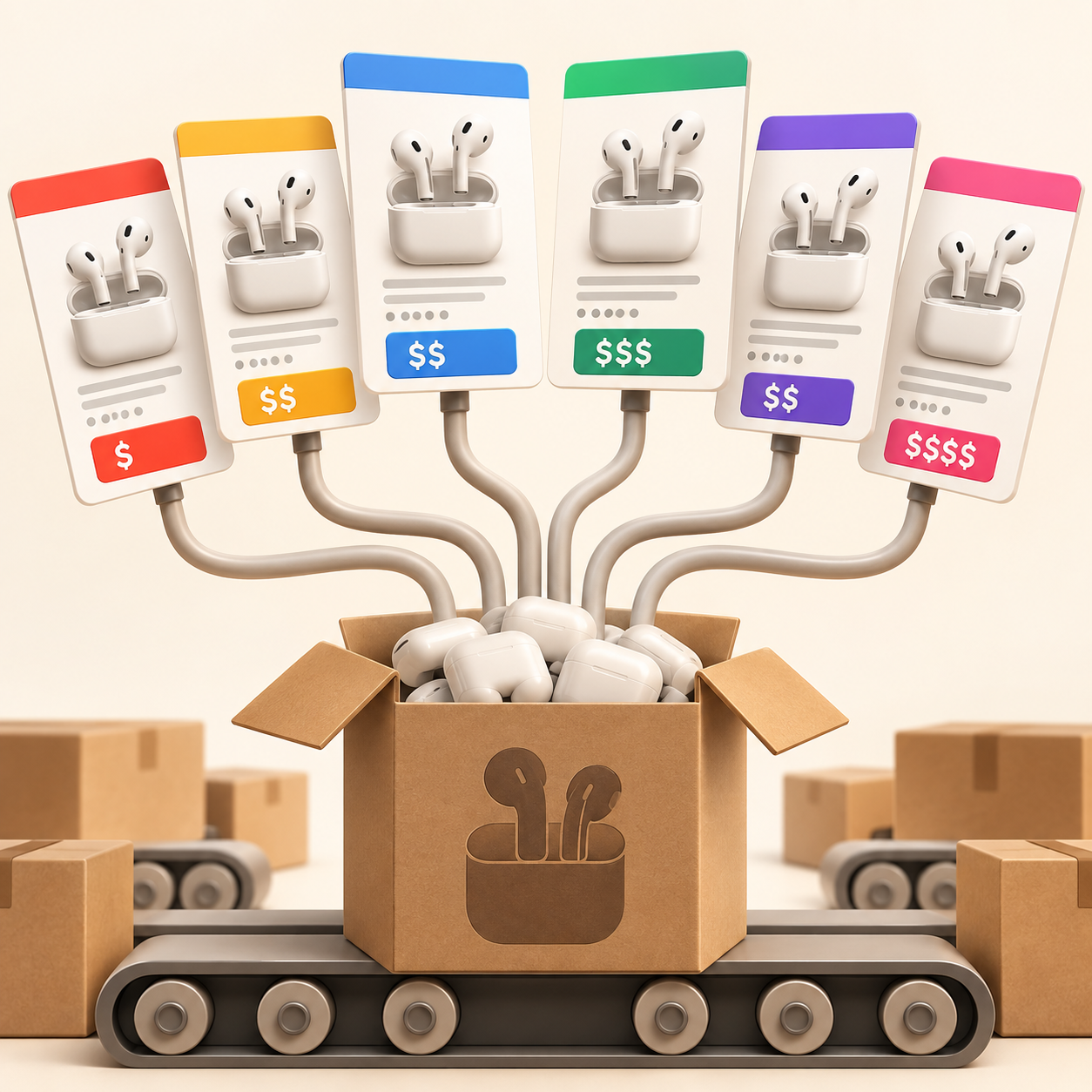
You search for a phone case, a pair of headphones, or a kitchen gadget on Amazon and something strange happens. The results page fills up with what looks like the exact same product, listed over and over again by different sellers, with slightly different titles, slightly different prices, and slightly different photos. It is confusing, it wastes time, and it makes it genuinely hard to know whether you are looking at ten different products or one product sold ten different ways.
This is not a glitch. It is how Amazon's marketplace is built, and once you understand why duplicate listings exist, you can shop around them a lot more effectively.
What We'll Cover
- Why duplicate listings exist: The business model behind Amazon's open marketplace.
- Private label products: Why the same factory item appears under dozens of brand names.
- Why sellers create multiple listings: What Amazon allows sellers to do and why they do it.
- How to tell listings apart: Practical ways to spot whether two Amazon listings are actually the same product.
- How to find the right listing: The fastest way to compare what is actually out there.
Why Amazon Has Duplicate Listings: The Open Marketplace Explained
The key thing to understand about Amazon is that it is not one retailer selling products. It is a platform where hundreds of thousands of independent third party sellers list their own inventory alongside Amazon's own stock.
When a product is popular, multiple sellers will list it. Sometimes those sellers are authorized distributors of the same brand. Sometimes they are resellers who bought stock in bulk and are now selling it independently. Each seller creates their own listing, with their own title, their own photos, and their own price.
The result is that one physical product can have dozens of separate duplicate listings on Amazon at the same time, all showing up in the same search results. This open marketplace model is what makes Amazon so large and so competitive, but it is also exactly what makes the same product appearing across multiple listings so common and so frustrating to shop around.
Private Label Products: Why the Same Item Appears Under Different Brand Names
A large portion of the duplicate listing problem comes from private label products.
Here is how it works:
A manufacturer in one location produces a generic item, like a wireless earbud, a phone stand, or a silicone spatula. That manufacturer sells the same product in bulk to hundreds of different sellers. Each seller puts their own brand name on the packaging, writes their own product title, and lists it as their own unique product on Amazon.
The result is that you can search for something simple and find fifty listings that are, underneath the branding, the exact same physical object. The titles are different, the photos are slightly different, the prices vary by a few dollars, and the brand names are all unfamiliar. There is no easy way to know from the listing itself whether you are looking at a genuinely different product or just another version of the same one with a different label on the box.
Private label selling is not against Amazon's rules, and it has become one of the most common business models on the platform. Understanding that it exists is the first step to not being confused by it.
Why Amazon Sellers List the Same Product Multiple Times
Even sellers who are not dealing in private label products have reasons to create multiple listings for the same item.
Amazon's search algorithm rewards listings that are tightly matched to a specific search term. A seller might create one listing optimized for "noise cancelling wireless earbuds" and a separate listing for "bluetooth earbuds for running," even if both listings point to the same product sitting in their warehouse.
This practice is not always against Amazon's rules, and from the seller's perspective it makes commercial sense. More listings mean more chances of appearing in different searches, in different categories, and in front of different shoppers. From a shopper's perspective, it means the same product keeps reappearing under different names and titles across multiple pages of results, making it feel like there are far more options available than there actually are.
How to Tell if Two Amazon Listings Are the Same Product
There is no guaranteed method, but a few signals help identify when you are looking at duplicate listings rather than genuinely different items.
- Check the product images closely.
Private label products from the same manufacturer often share the same factory photos, just with different branding overlaid. If two listings look identical except for the logo on the product, they are almost certainly the same item from the same source. - Compare the product dimensions and specifications.
Scroll down to the technical details section on any Amazon listing. If two products share the same weight, dimensions, battery capacity, or material specifications down to the decimal point, they are very likely the same physical product regardless of what brand name appears on the listing. - Read the seller name, not just the brand name.
A brand name on Amazon can be created by anyone with a seller account. The seller name tells you more about who is actually shipping the product. If multiple listings share the same seller, you are looking at one seller running multiple listings for the same item. - Look at the ASIN.
Every Amazon listing has a unique identifier called an ASIN, visible in the product URL and in the listing details. Two listings with different ASINs are technically separate listings, but that does not mean the underlying product is different. The same physical item can have dozens of ASINs if it has been listed separately by multiple sellers.
Why Amazon Duplicate Listings Make Comparison Shopping So Difficult
The deeper issue is that Amazon search is designed to surface listings, not products.
It shows you every listing that matches your search term without consolidating duplicates or making it clear how similar two listings actually are to each other. Understanding this distinction, that Amazon is showing you a list of seller entries rather than a curated product catalogue, explains why the search results page can feel so overwhelming even for a simple search.
You scroll through results trying to find the right option, but you cannot tell whether you are making progress or just seeing the same few products recycled under different names and brand labels. You open tabs, lose track of what you already looked at, and eventually give up and buy whatever feels most familiar.
For a deeper look at how to use Amazon's search tools more effectively to cut through this noise, our guide on how to search Amazon like a pro covers filters, sorting, and Amazon's AI assistant in detail.
How to Find the Right Amazon Listing When Multiple Look the Same
The most practical approach is to shift from searching to browsing. Once you have found a listing that looks close to what you want, stop searching and start from that page.
From a single product page you can:
- Scroll through Amazon's own "Similar Items" and "Customers Also Viewed" carousels to see related listings.
- Use the sidebar filters on your search results to narrow by brand, rating, or price range.
- Check whether the seller has a storefront with other listings worth comparing.
For a faster way to see genuine alternatives without losing your place, Lowly is a free browser extension built for exactly this problem. While you are on any Amazon product page, it surfaces similar and alternative listings right inside a popup, organized by similarity score and listed price, without you needing to open new tabs or run a new search. It is particularly useful in categories where the same product appears across multiple duplicate listings under different names, because it organizes results by how closely they actually match what you are already viewing rather than by search term relevance alone.
It is an independent tool and not affiliated with Amazon. Everything runs locally in your browser and no account is required.
For a full overview of the best free Chrome extensions for Amazon shoppers, including price history tools and coupon finders that pair well with Lowly, see our Chrome extensions guide.
Frequently Asked Questions
Why does Amazon have so many duplicate products?
Amazon operates as an open marketplace where any approved seller can create a listing. When the same product is sold by multiple sellers, or when sellers create separate listings for the same item targeting different search terms, the result is multiple listings for what is effectively the same product appearing in the same search results.
Can two Amazon listings be the same product?
Yes, very commonly. The same physical product can appear across dozens of separate Amazon listings, each with a different title, brand name, price, and ASIN. This is especially common with private label products where multiple sellers source the same item from the same manufacturer and list it under their own brand name.
Is it against Amazon's rules for sellers to have multiple listings for the same product?
Not necessarily. Amazon does have policies against creating duplicate listings for products that already have an existing listing, but enforcement is inconsistent. Many sellers exploit grey areas, particularly with private label products that are technically distinct ASINs even if the underlying item is identical.
How do I find the original manufacturer of an Amazon product?
This is often difficult to determine from the listing alone. Checking the brand name against an external search, looking at the seller's storefront for other products, and reading the full product description for manufacturing details can sometimes reveal the original source, but there is no guaranteed method within Amazon itself.
Why do some Amazon listings have far more reviews than others for what looks like the same product?
Review counts accumulate on the specific listing, not the underlying product. If a seller has been running a listing for three years and another seller listed the same product last month, the older listing will have thousands more reviews even if the product is physically identical. This is one reason why review count alone is not a reliable quality signal when comparing similar listings.
How can I tell which Amazon listing has the right price for the same product?
Check the listed price on each listing individually and factor in shipping costs, Prime eligibility, and seller location, all of which can affect the true cost beyond the listed price alone.
What is the fastest way to compare similar Amazon listings without losing track?
Start from a product page you already have open, then use a comparison tool like Lowly to surface similar listings side by side without opening additional tabs. This keeps your starting point visible while you explore alternatives in the same category.