Extension Tips
How Lowly Works: A Guide to the Amazon Extension
Learn how Lowly finds similar listings, what its labels and filters mean, and how to save your favorites.

The Lowly Blog
Practical guides for comparing listings, understanding marketplace signals, and making more informed shopping decisions.
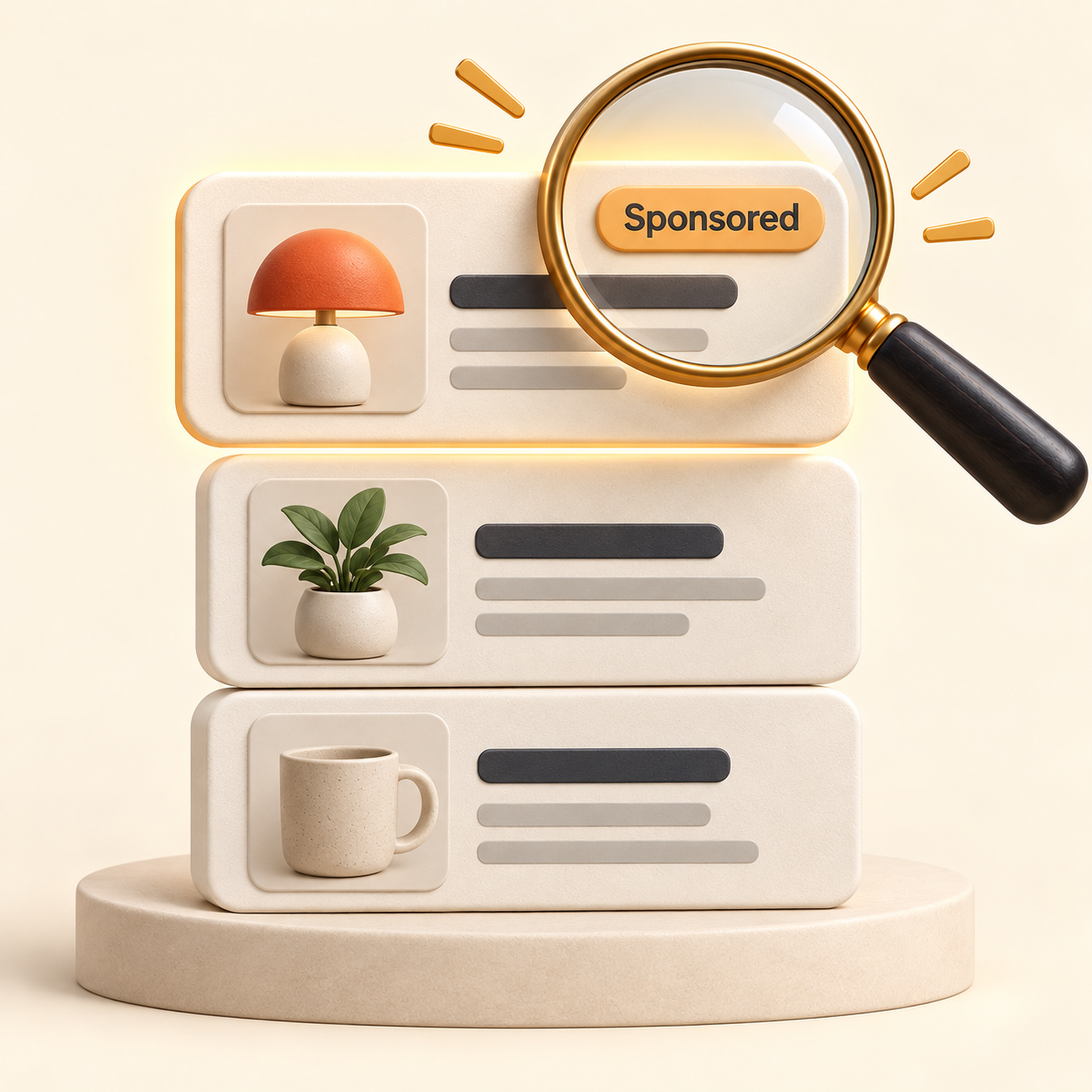
Latest article
Learn what the Sponsored label means, where paid listings appear, and how to keep placement in perspective while you shop.
Read article
Extension Tips
Learn how Lowly finds similar listings, what its labels and filters mean, and how to save your favorites.

Shopping Guide
See what each badge is based on, what it leaves out, and how much weight to give it.
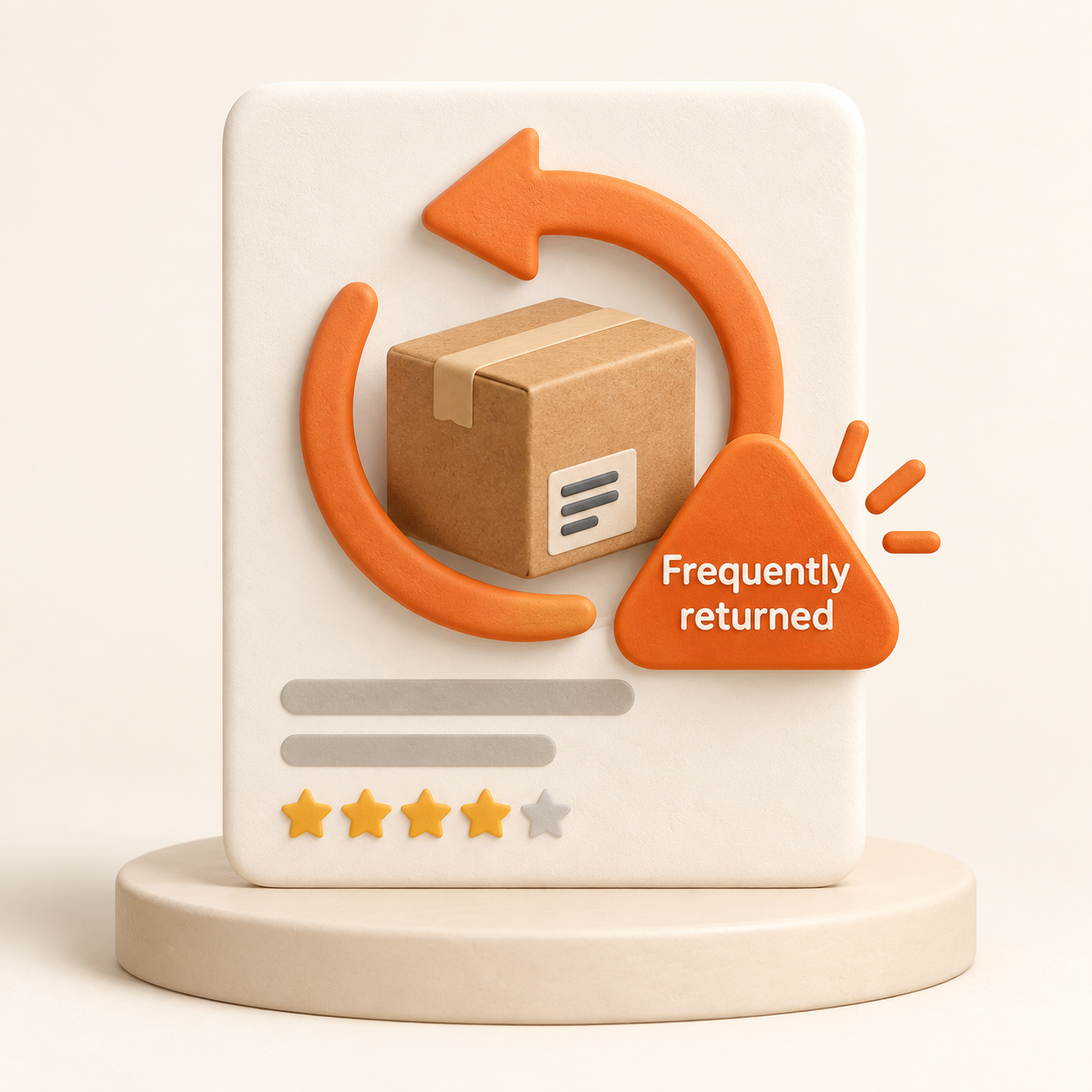
Shopping Guide
Learn what the warning says, what it leaves out, and what to check before buying.

Shopping Guide
Learn the warning signs that can help you evaluate review patterns.
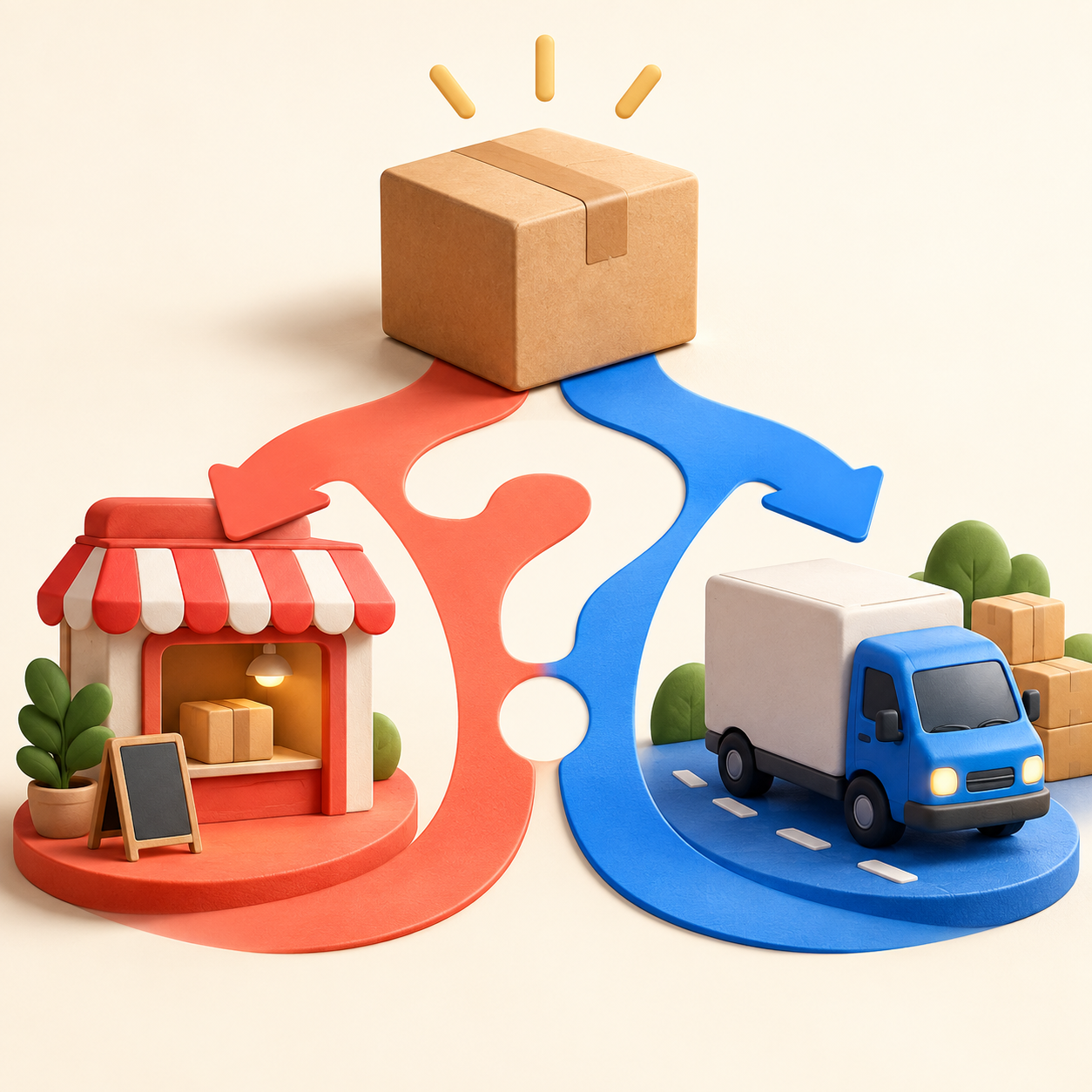
Shopping Guide
Learn what each label means and what to check before you buy.

Shopping Guide
Understand what the badge signals and what it does not guarantee.
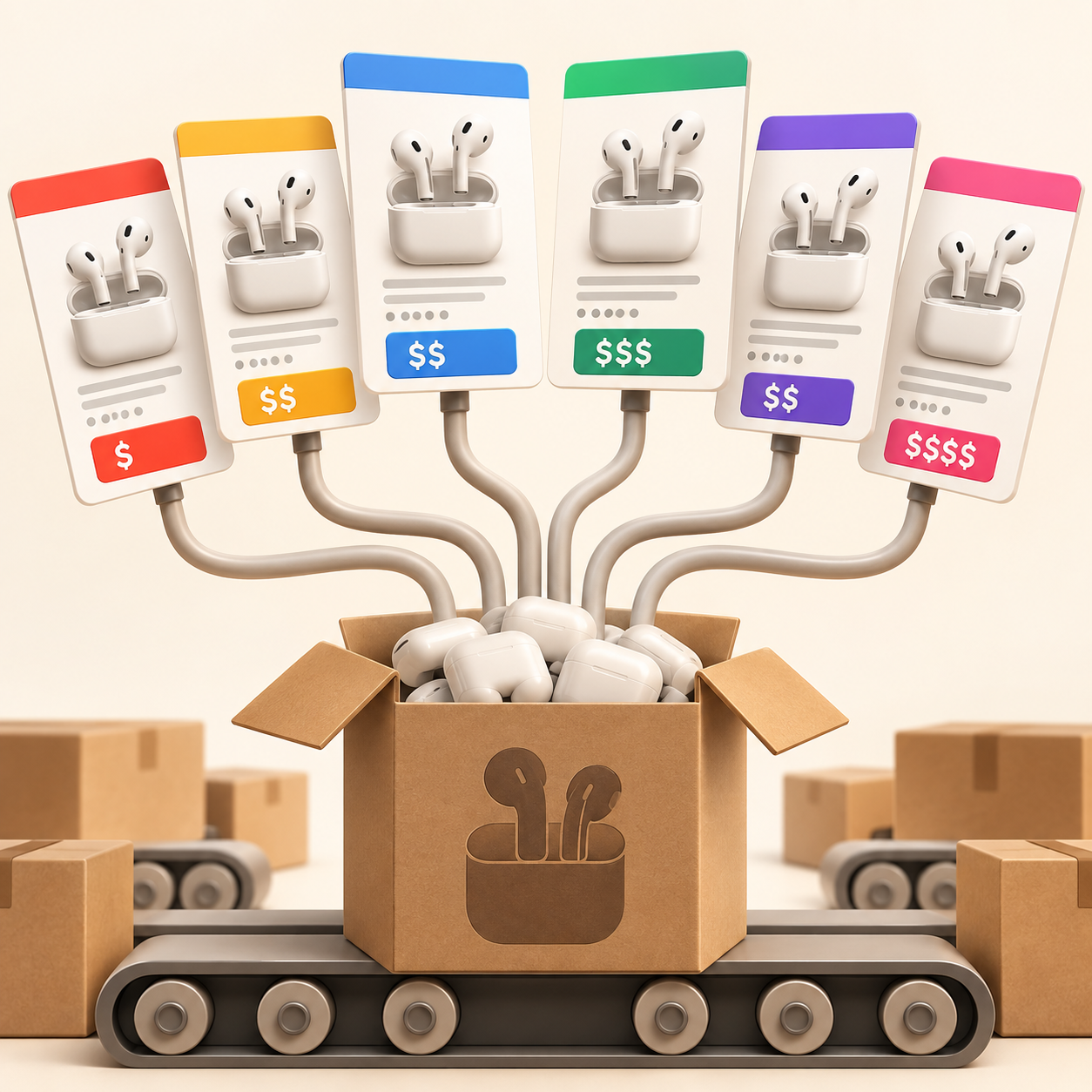
Shopping Guide
See why duplicate-looking listings appear and how to compare them.
Shopping Guide
Use price history and a few practical checks before trusting a discount.

Extension Tips
Tools for price history, comparison shopping, coupons, and cashback.
Smart Shopping
Use filters, sorting, and more specific searches to narrow crowded results.